How To Add DNS
Login to Strato
- First Login to strato on link: Strato
- Login to server 1 of strato, which has the Customer number
8838812. The Credentials should be in vaultwarden.
Setup DNS
- Go to
Domains -> Domain Overview tab in sidebar section.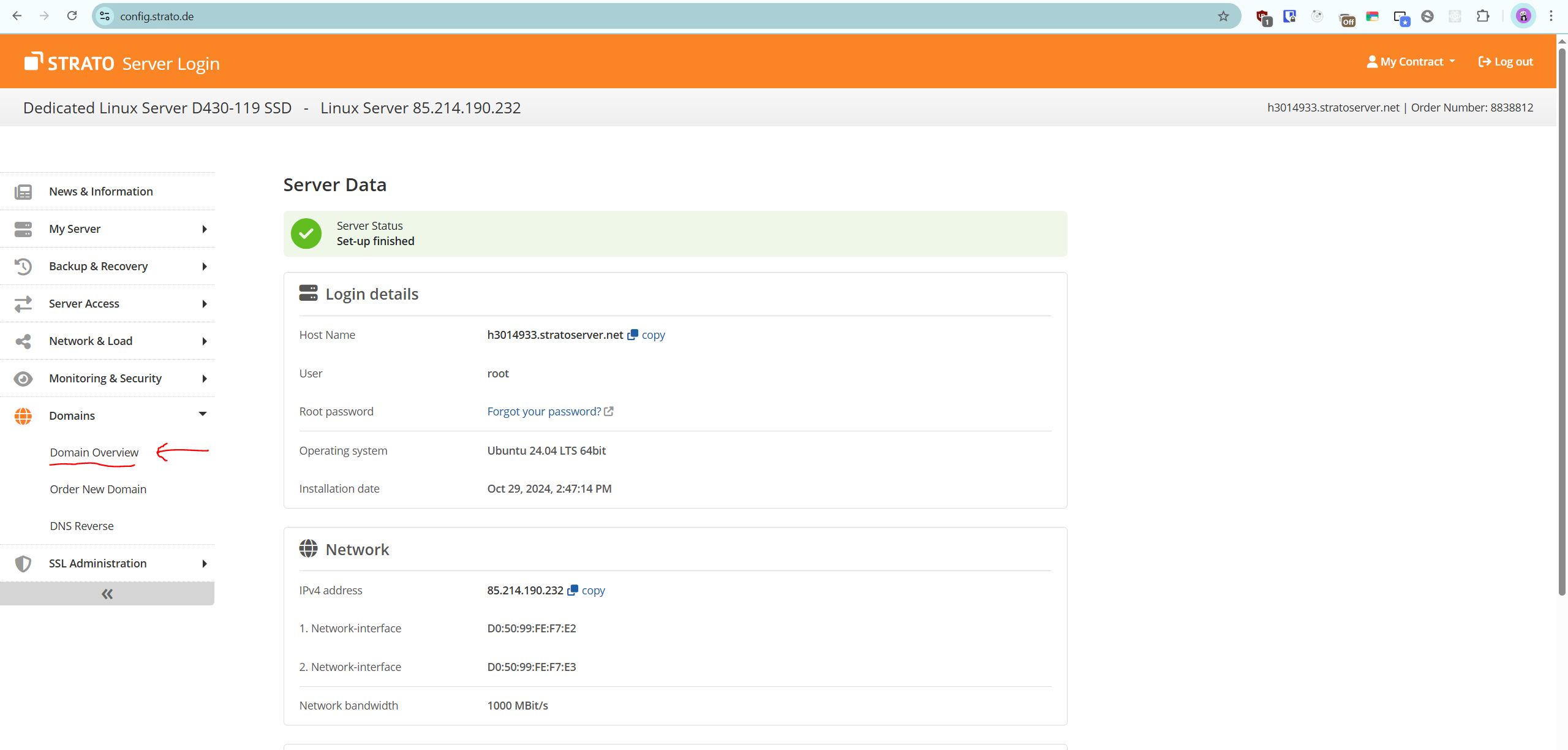
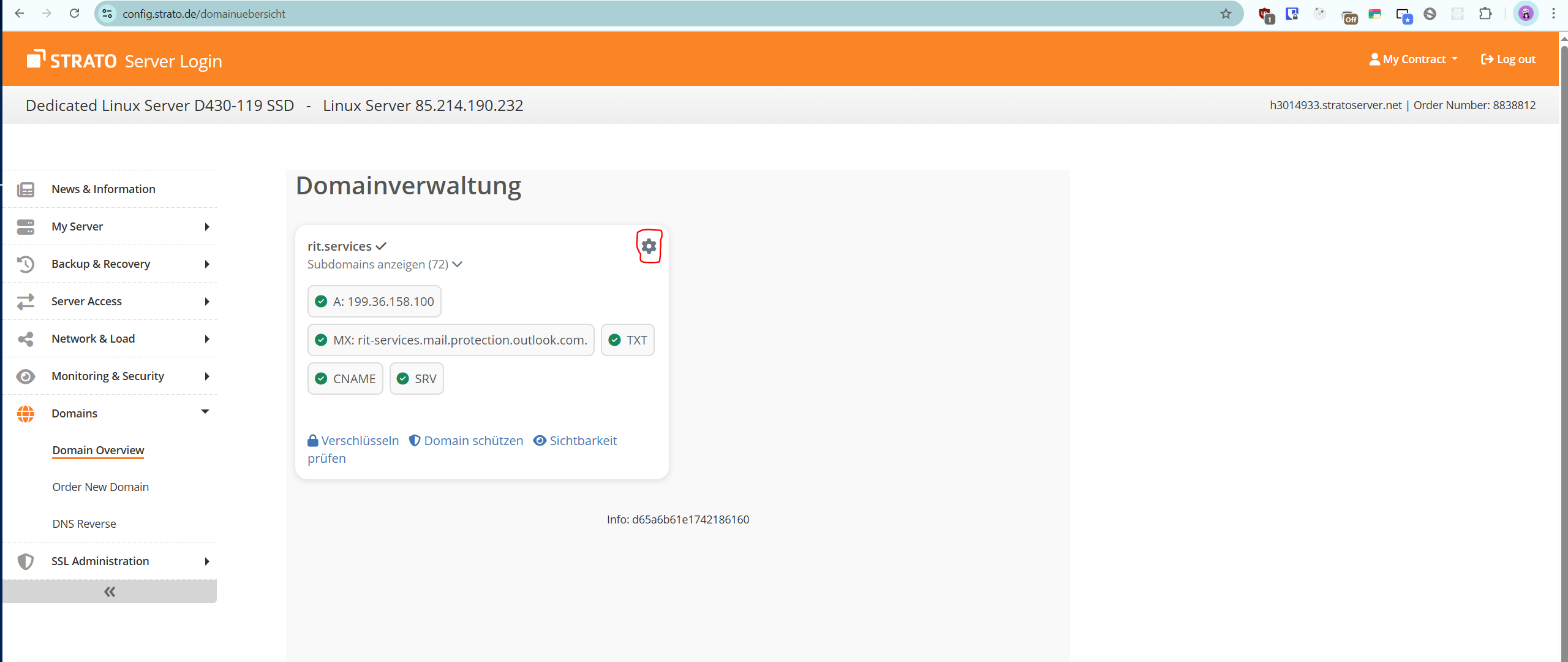
- In Domain Overview page click on Cog/Gear Icon.
- Enter the sub domain name you want to enter in the Field highlighted in the picture.
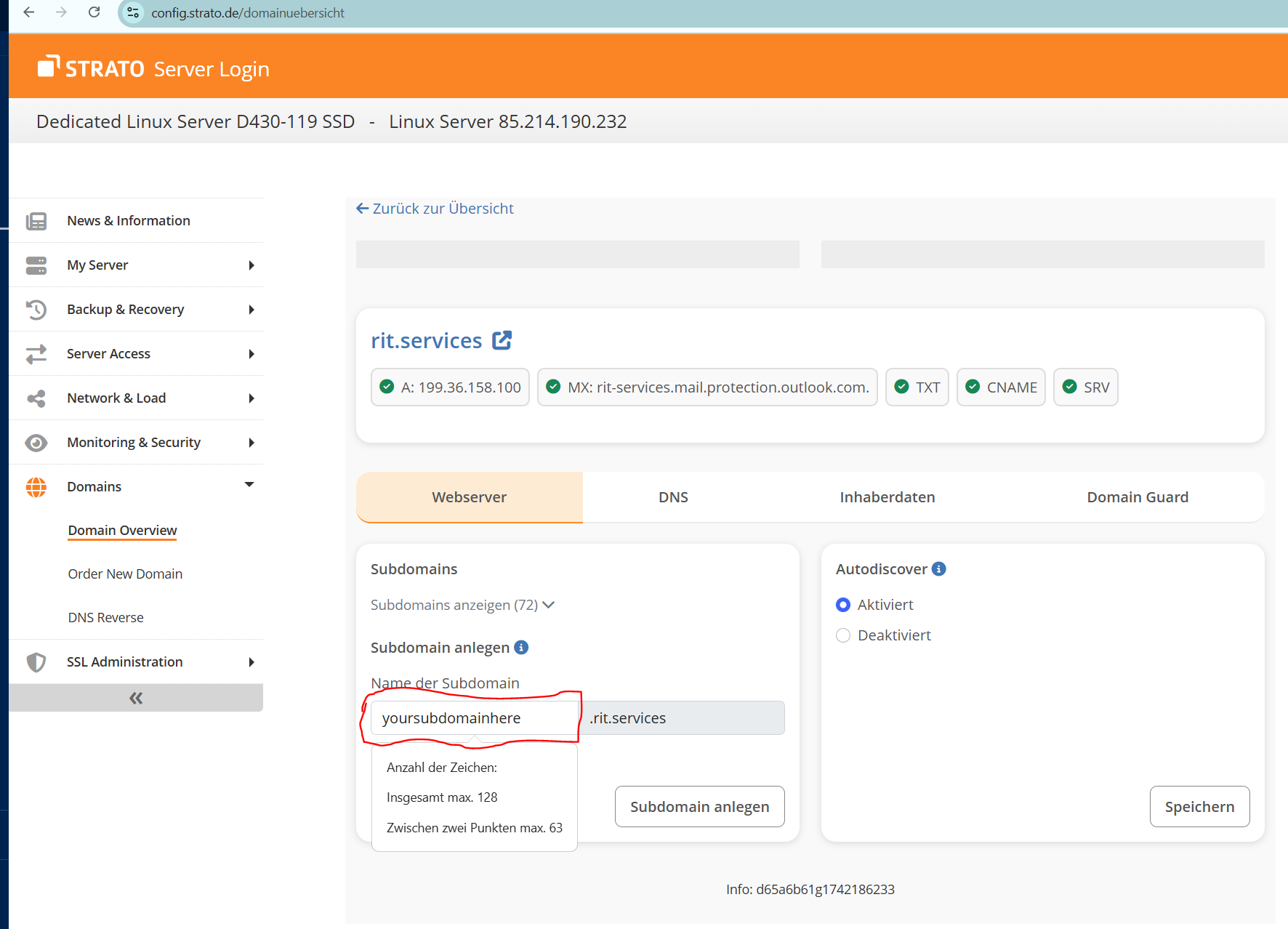
- Click on the
Subdomain anlegen button.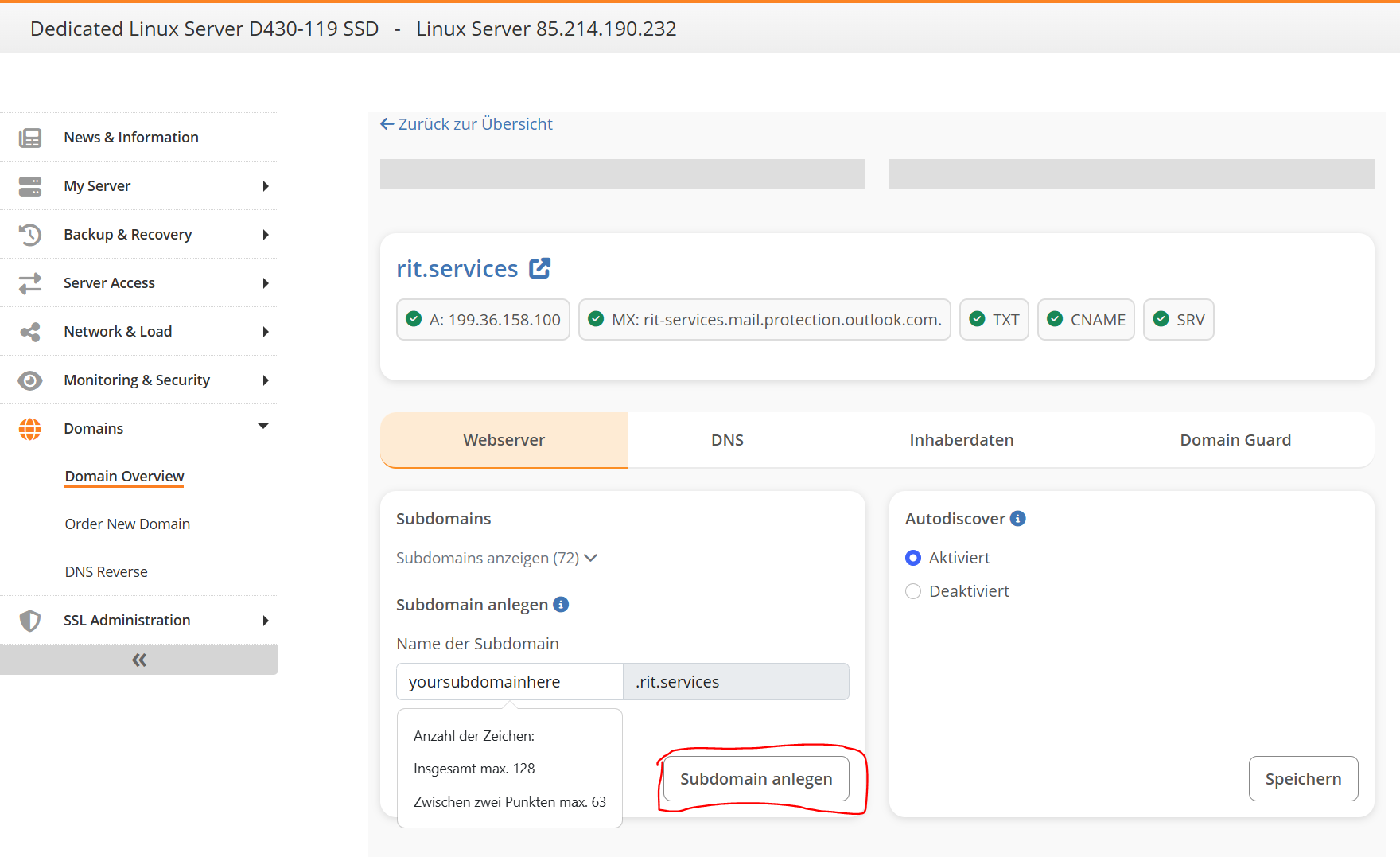
- Now there should be a green popup window with
Subdomainverwaltung button. Click on it. 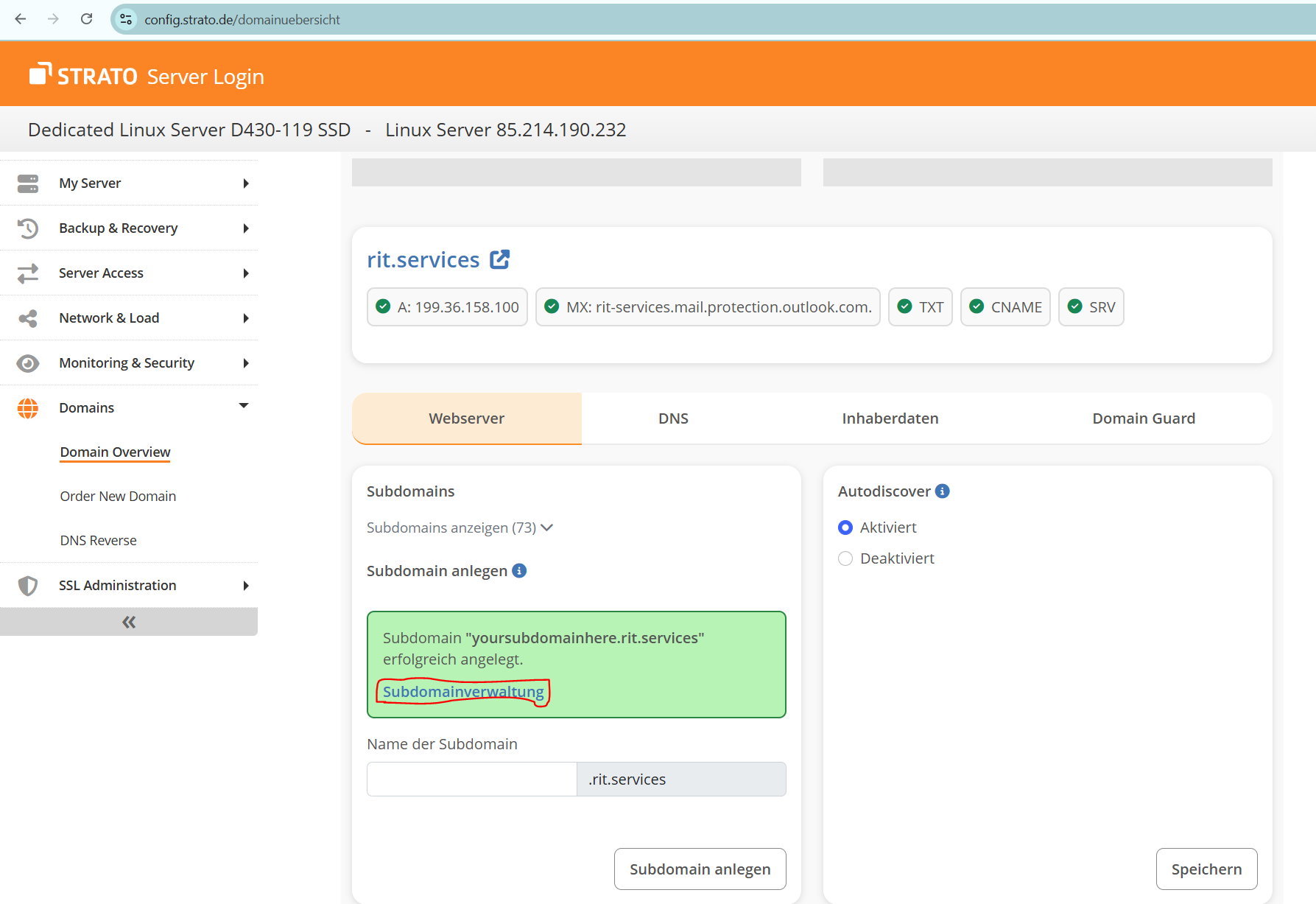
- Go to the DNS tab.
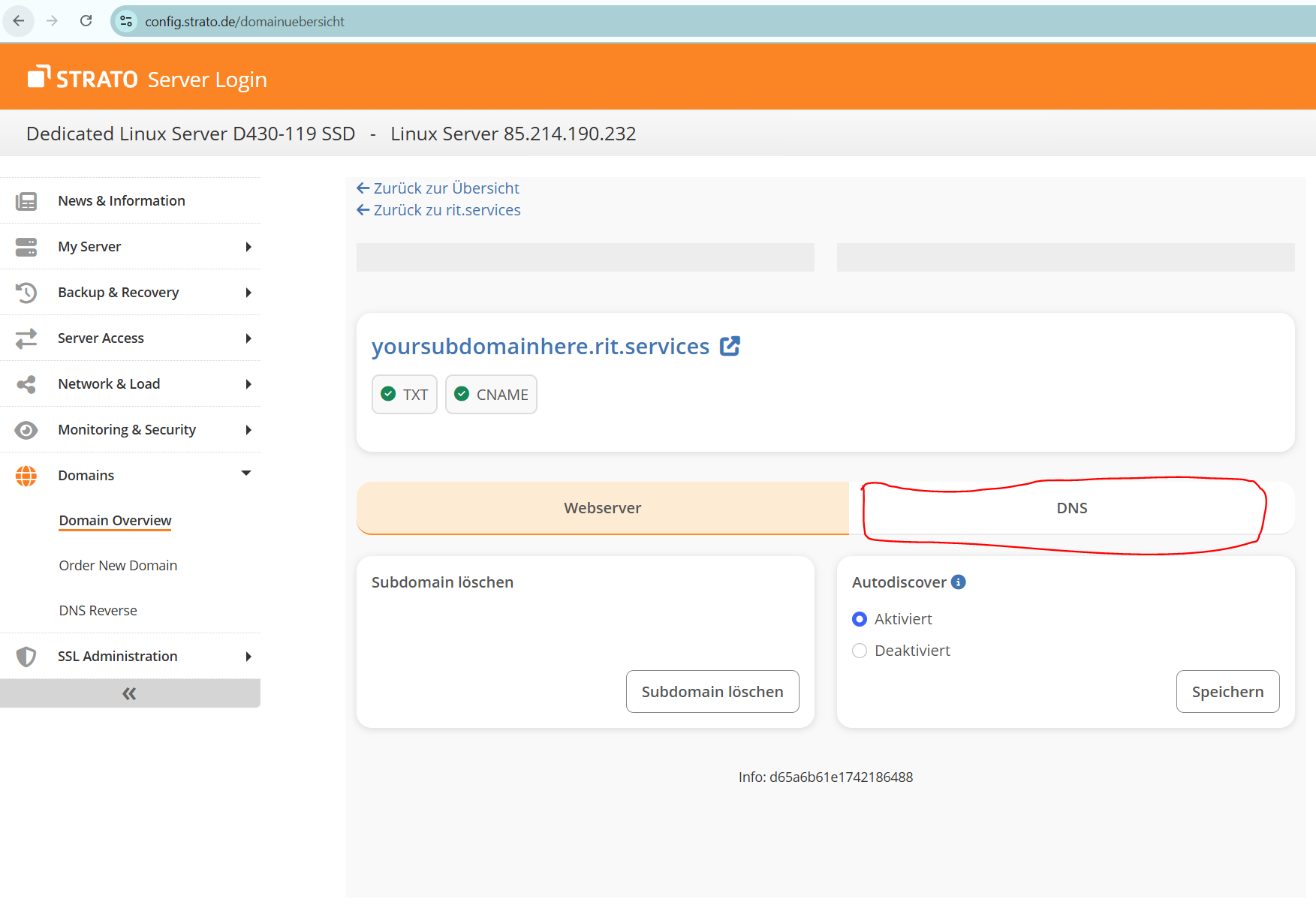
- Click on the
verwalten button in front of A-records. 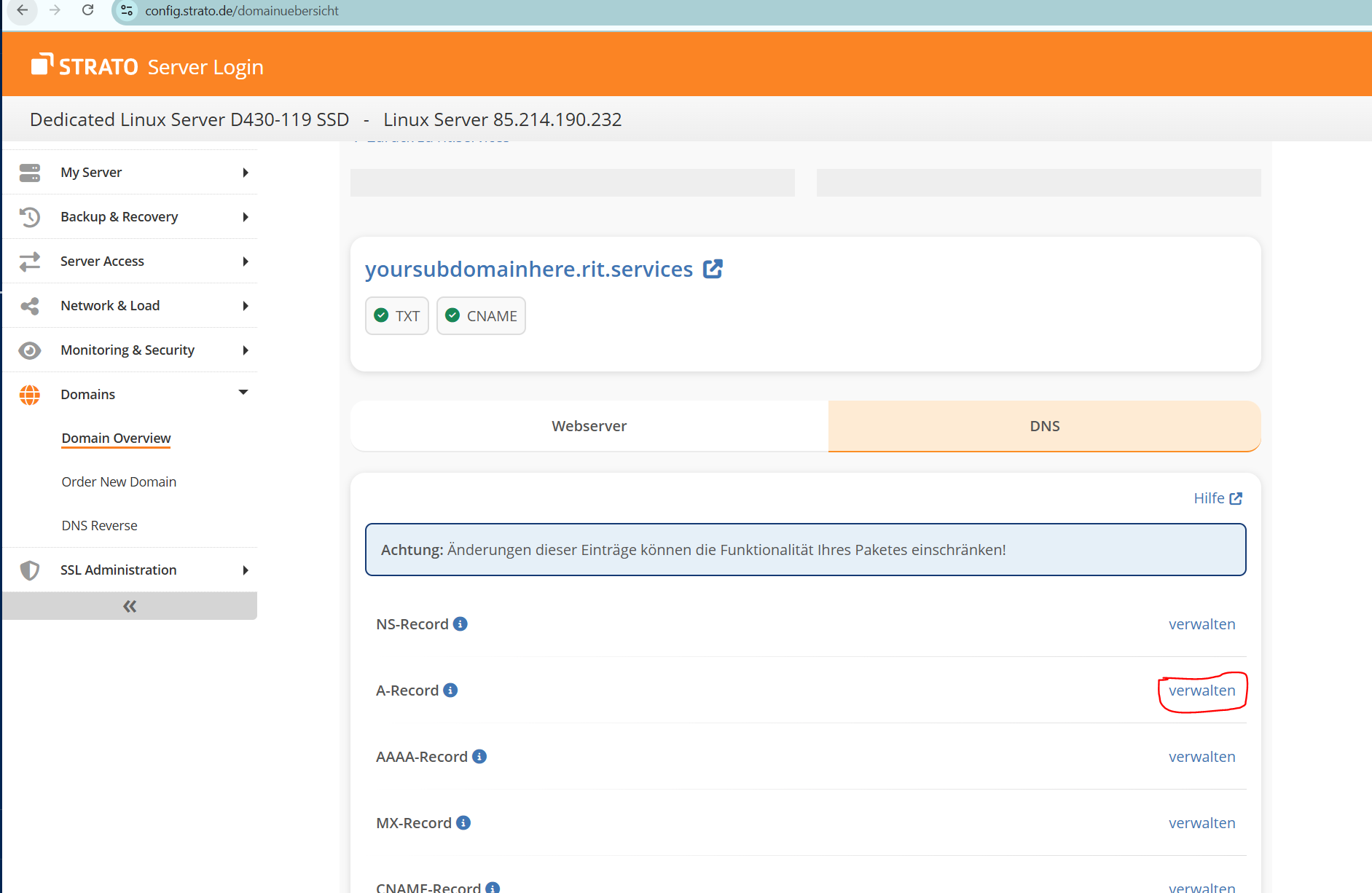
Note
You would mostly be adding A records for the domains but somtimes you need other DNS records. So click on verwalten button in front of other type of records. For routing purporses we need A records.
- Click on the
Eigene IP-Adresse button. 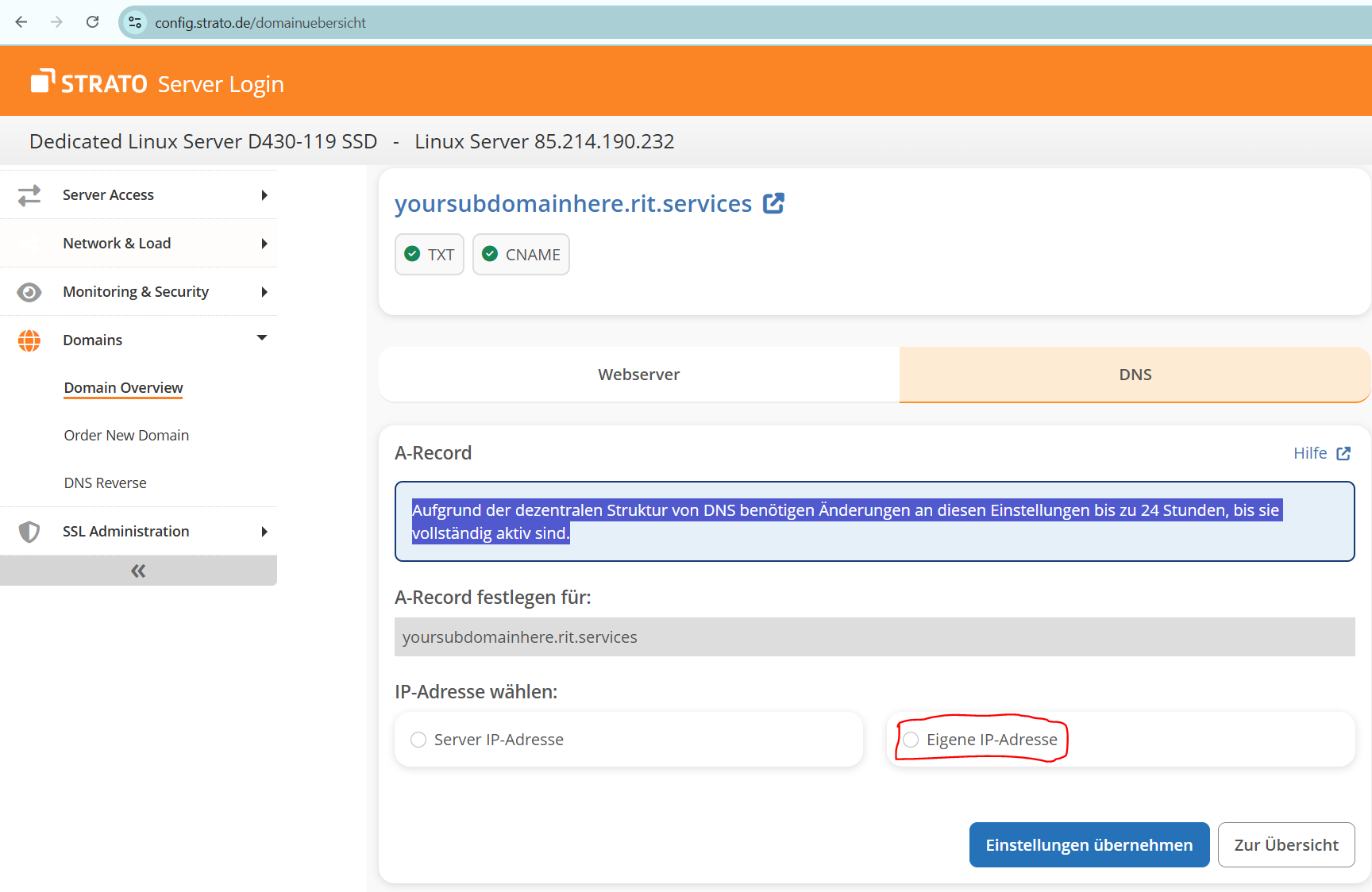
- Input the IP address of the server you want the subdomain to route to.
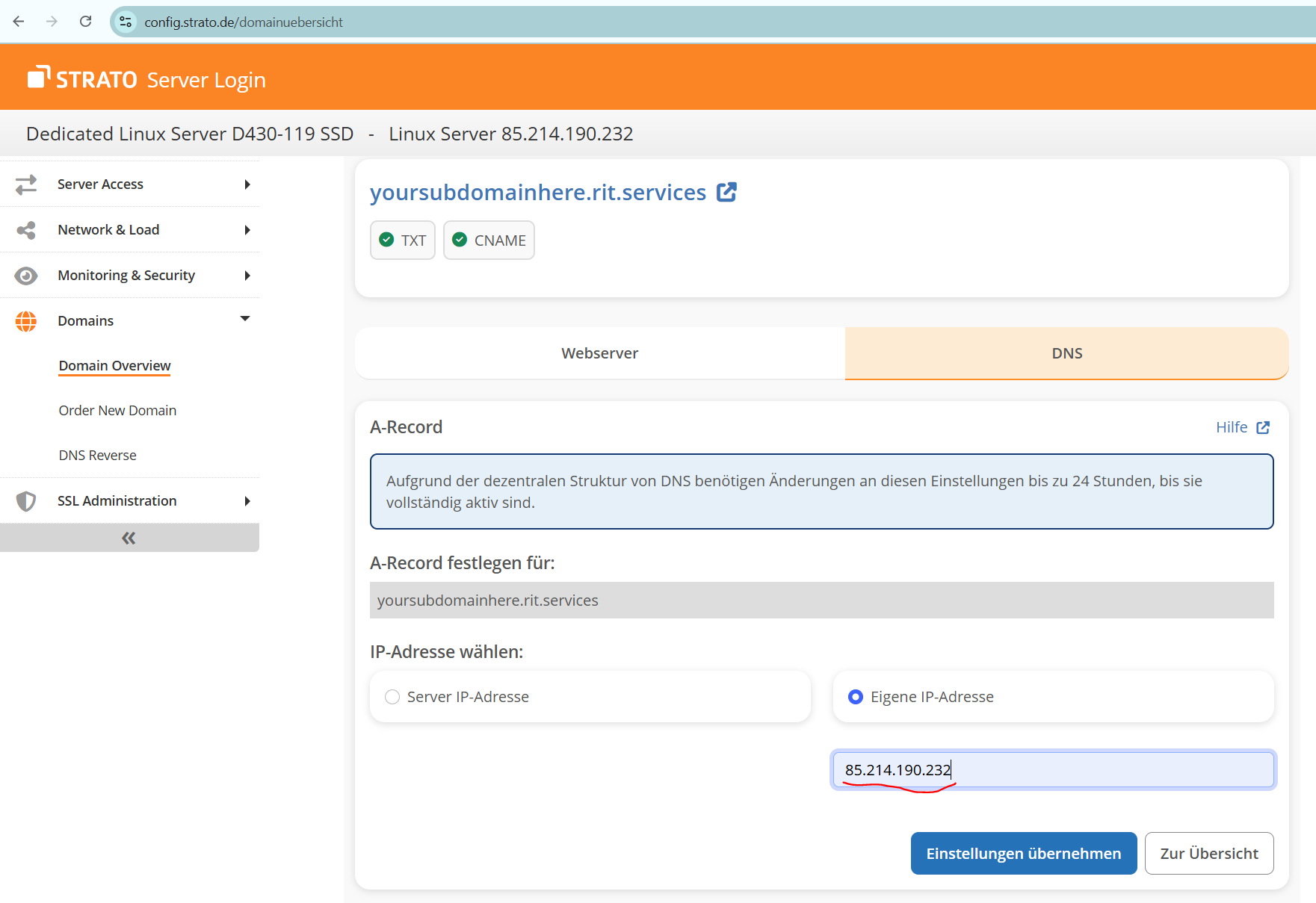
- Click on the
Einstellungen ubernehmen button. 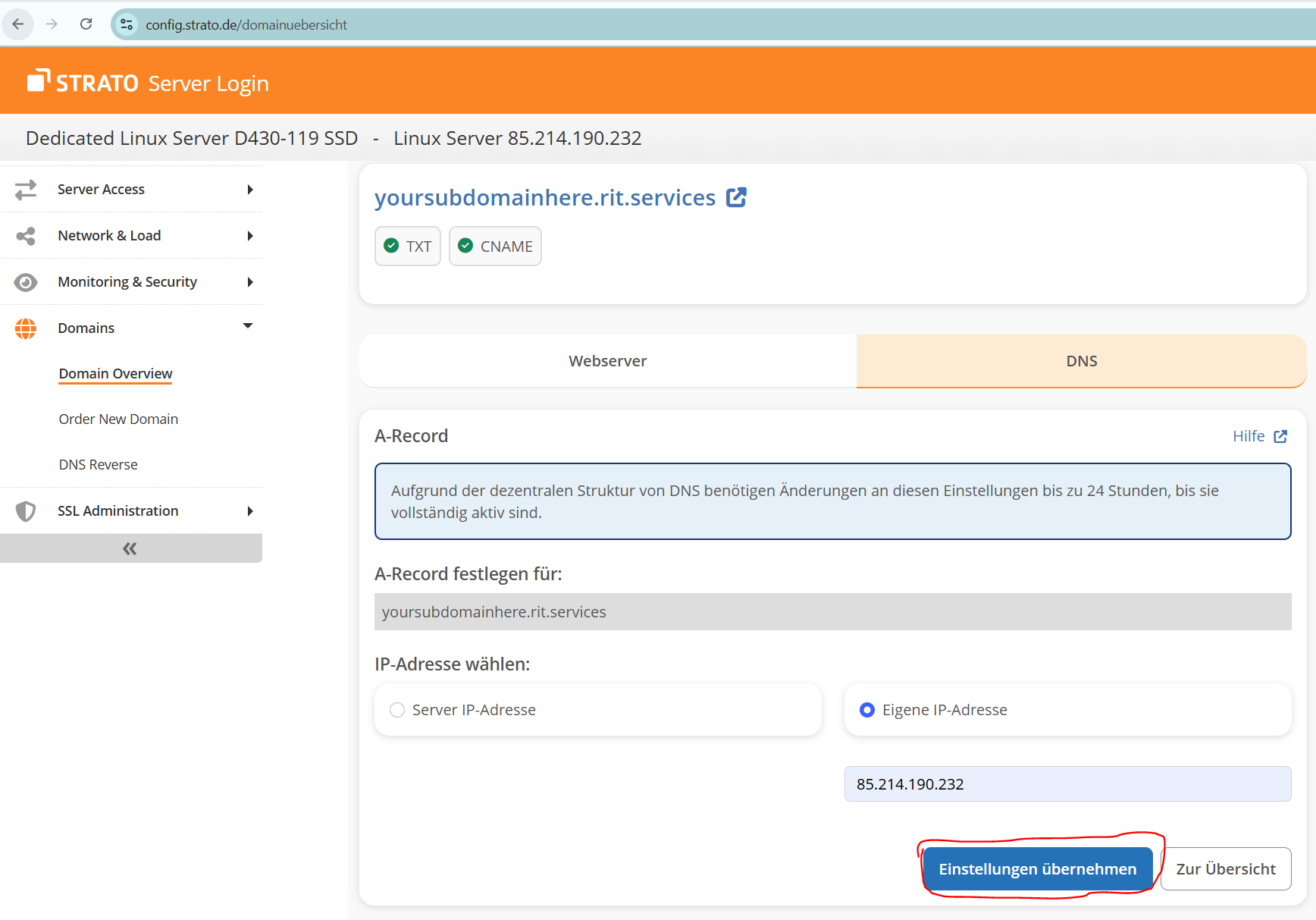
- DNS should be set now.
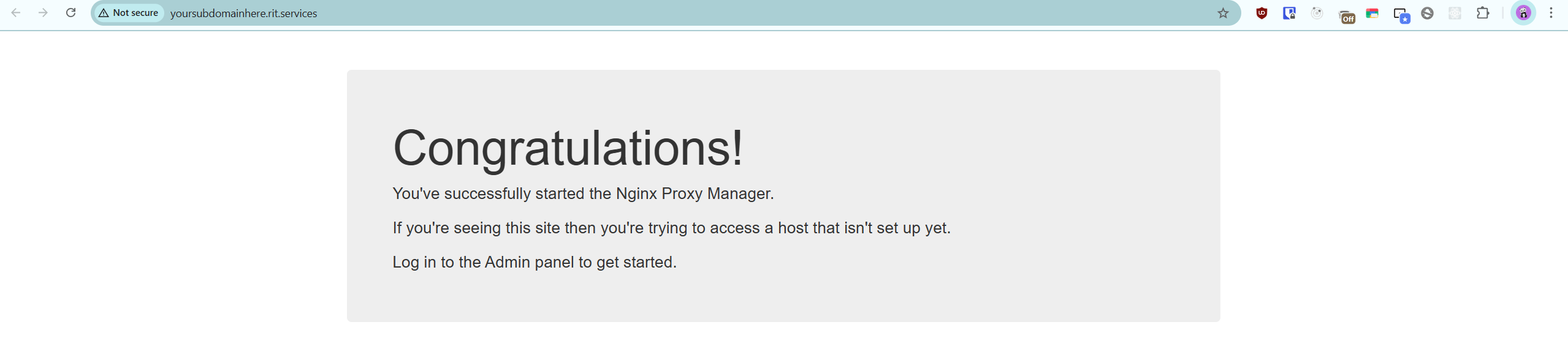
DNS records change sometimes aren't instant. To check if DNS is set correctly go ti the link which in our case
is yoursubdomainhere.rit.services and Check if there is a Nginx Proxy Manager page.